
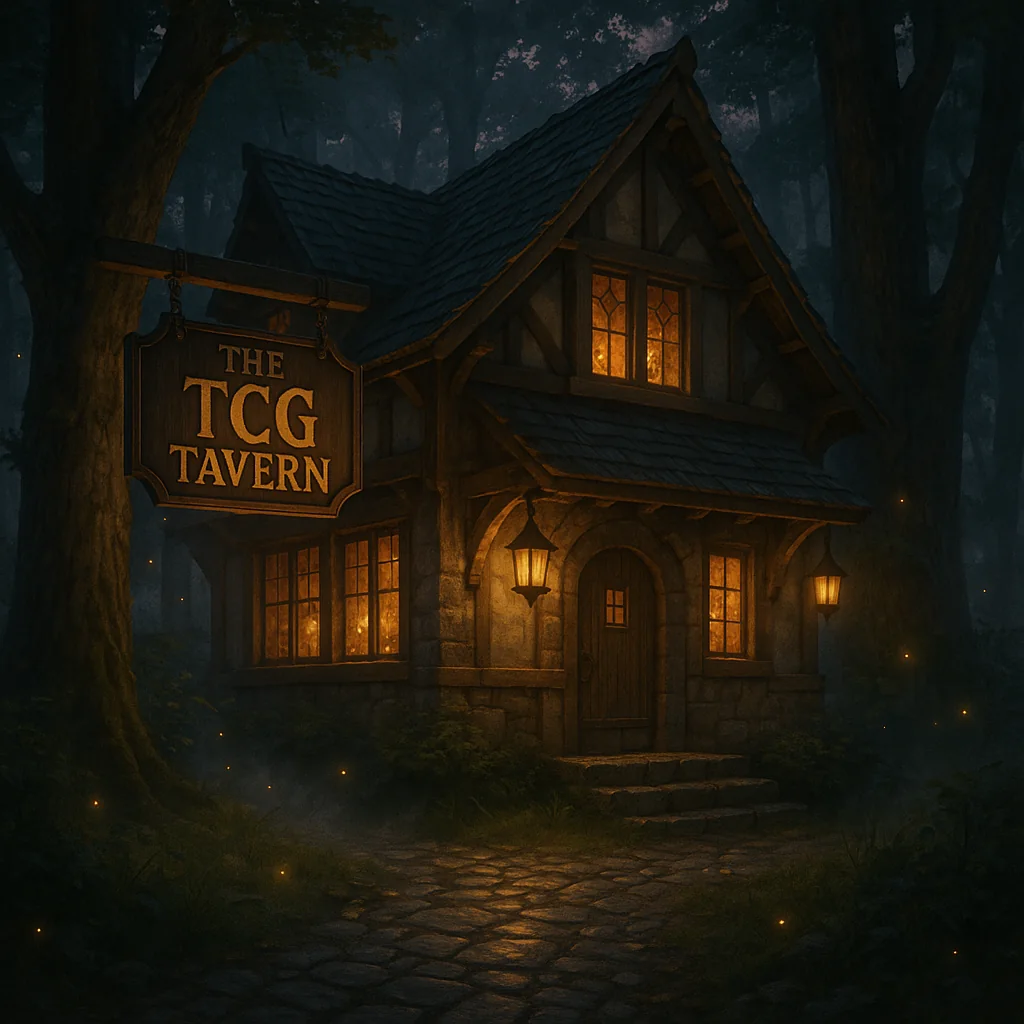
TCG Tavern is more than a shelf of sealed products. It is a connected home for the different ways people enjoy trading cards: discovering a new game, finding a missing piece, sitting down for local play, caring for a favorite card, or deciding what to do with a collection that has outgrown its binder.
This guide is the map. You can follow it from beginning to end or jump directly to the part of the Tavern that matches what you need today.
Start at the Tavern Market
The Tavern Market is the direct shopping floor for sealed trading card products, accessories, supplies, collectibles, preorders, and other items with a current listing. Search by product, game, brand, SKU, or UPC, then narrow the results by availability, product type, price, or series.
An item is ready to purchase only when its page shows a current price, available quantity, and an enabled checkout. Shopify confirms the final inventory, tax, payment, shipping, pickup, and discount details before an order is accepted. If any of those facts matter to your decision, read the live product page rather than relying on an old post or screenshot.
Individual cards follow a different path. TCG Tavern keeps its live singles inventory in the TCGplayer Pro storefront Opens in a new tab. so one card is not accidentally offered in two places. The main website points you there whenever singles are the better answer.
Use the Quest Board when the shelf is not enough
The Quest Board turns “Do you carry this?” into a trackable path. It searches a much larger catalog than the products physically ready for checkout. That distinction matters: finding a catalog record does not mean the item is in stock, reserved, or available at the price shown somewhere else.
If a Quest Board result has no enabled checkout and no final price, it is a sourcing request—not a purchase. Tell the Tavern exactly what you are looking for, including the game, edition, language, configuration, and release when those details apply. Staff can then verify supply, price, quantity, and timing before anyone commits money.
Some reviewed Quest items may become prepaid special orders. Those pages show a final price, finite quantity, and a defined ship-by date before checkout. For a deeper explanation, read In Stock, Preorder, or Quest Board: How to Shop TCG Tavern.
Find your next table
The events calendar is the best place to see what is actually happening at the store. It brings recurring community nights, organized play, prereleases, release events, and special gatherings into one place with dates, times, directions, and registration guidance.
Every game handles registration differently. Some events use an official publisher platform; some are open-play gatherings; and some require advance confirmation because seating or product is limited. Open the individual event before traveling and follow the registration note shown there. If anything is unclear, use the event inquiry link or contact TCG Tavern.
New players do not need to know every rule before walking in. Choose an event that welcomes learning or open play, bring the deck and supplies you already have, and tell the team it is your first visit. The point of a local game store is not merely to host matches. It is to help people find the table where the hobby becomes social.
Sell, trade, or review a collection
When cards are ready for a new chapter, begin at Sell & Trade. The site separates itemized mail-in lists, larger collection inquiries, bulk guidance, and graded-slab planning so each request starts with the right information.
For an itemized mail-in request, build the exact list and wait until the signed-in tracker says the shipment is approved before sending property. A request is not an offer, and saving an item is not permission to ship. Larger, mixed, or unusual collections can begin with a private inquiry. Current eligibility, evaluation factors, payout methods, and shipping rules are explained in the buying and trade-in policy.
Good information makes this process faster. Include the exact card, printing, language, condition, quantity, and any notable defect you already know about. Clear front-and-back photographs may be requested during review, but the public website does not ask you to upload sensitive identity or payment information into a card list.
Care for cards that matter
The card services desk explains cleaning and customer-selected grading support. TCG Tavern can help confirm the service scope, current grader options, declared-value tier, published fees, handling, and estimated timing before intake.
Cleaning is not repair, restoration, or a promised grade increase. The grading company—not the store—makes the final authentication and grading decision. That boundary protects the collector from inflated promises and keeps the conversation centered on the actual card and the goal behind submitting it.
Make My Tavern your private home base
My Tavern gathers the personal side of the site: portfolio records, graded-card identities, Slab Hunts, wishlists, saved events, Quest activity, order history, Passport progress, and optional membership connections.
Some tools work for guests on the current browser. Connecting a Tavern account lets eligible website orders and account-based progress follow you more reliably. Collection and slab information stays in the private dashboard rather than becoming a public profile by default. A saved slab can include its grader, grade, and certification number; a certification lookup identifies the holder record but does not turn that identity into a guaranteed market value.
If you are new to the dashboard, take its short guided tour. It explains what is stored with an account, what remains on the current browser, and where each next action lives.
Membership is optional
The membership page describes supporter updates, selected early request windows, and eligible monthly benefits. Public shopping and public events remain open to everyone. Membership never replaces the current product page, event terms, or secure checkout confirmation.
That separation is intentional. A community should be able to welcome a first-time visitor without placing the basic experience behind a subscription.
Ask a precise question and get a useful answer
The site-wide search can find products and major parts of the Tavern. The live chat and contact page are better when the question depends on condition, timing, edition, availability, or a collection you already own.
The most useful message usually includes:
- The exact game and product or card name
- Edition, language, set code, collector number, or certification number when relevant
- Whether you want to buy, preorder, source, sell, trade, clean, grade, or play
- The date that matters, especially for an event or gift
- Any condition or configuration detail that could change the answer
One Tavern, many paths: shop what is ready, post a Quest for what is not, join the next table, and keep your collection trail in My Tavern.
Visit TCG Tavern in Mission Viejo
TCG Tavern is located at 27001 La Paz Rd, Suite 412, Mission Viejo, California 92691. Regular hours are daily from 2 PM to 7 PM. Check the current contact page and events calendar before a special trip, then pull up a chair.
Shop. Play. Belong.
Your next Tavern stop
Put the complete guide into practice.
See what is happening around the tables, then explore what is currently available from the Tavern Market.